
The lowest cost tailBeaconX controller available. Now with Touch… and Speech!
This hardware-software combination provides a low cost controller for the uAvionix tailBeaconX diversity transponder. The TBX App runs on the huVVer-AVI electronic flight instrument.
You can easily turn any huVVer-AVI running the stock FlightGauges App into a transponder controller. Just download the TBX App to your handheld device, storing it directly on the device, not on the “Cloud”. Using Over-The-Air (OTA) updates, you then transfer this App to your huVVer-AVI device. After you install and configure it, you have a simple, easy to use control head for the tailBeaconX. Just remember to hold down the Menu and Select buttons once at startup to clear out any old settings you may have from the FlightGauges App.
Better yet, you can obtain a huVVer-AVI device with the App already pre-loaded and ready to go from huVVer.tech (send email to enquire).
For the technically inclined: The TBX App implements the SL70 control protocol for driving the tailBeaconX and other compatible transponders. It receives serial altitude information packets from an EFIS, altitude encoder, or encoding altimeter and sends these packets unchanged to the transponder, followed by a configuration packet created by the TBX App that controls and monitors the transponder configuration.
Download Here:
New Features and Touch Entry (December 2025)
Note: Version 5.10 has been deprecated. If you are using it, you must update to Version 5.20 (below).
Version 5.20 provides new features: voice audio annunciation when either the internal or an external Ident button is pressed. Both touchscreen and non-touchscreen versions are available. With touch enabled screens, Version 5.20 supports direct Squawk code entry using an on-screen keypad.

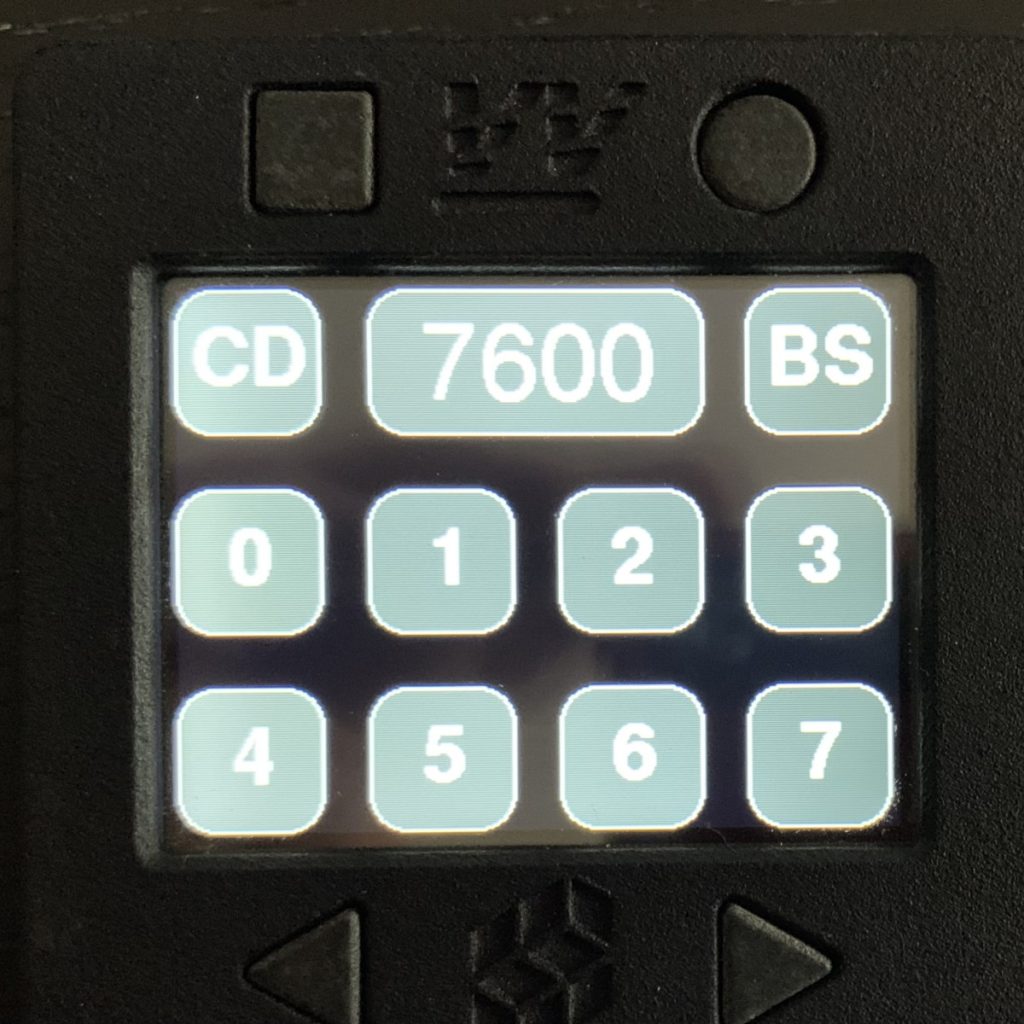
HuVVer-AVI with TBX-Touch App
huVVer-AVI-TBX-V520 App (non-touch Zip binary)